
Semantic video search promises to let operators search through videos using everyday natural language. Users expect the same behaviour as how they interact with LLMs: you can type anything, and you will be shown the relevant results.
However, the catch is that analysing the whole video is too expensive for companies to build and store. To save money, most systems use a more cost-effective method that only looks at a tiny cropped square around an object. This makes search results unpredictable. Simple searches work perfectly, but complex searches fail completely if the subjects fall outside that isolated crop boundary.
Let us see how this works in AI Video Security. When users start interacting with the search, they see a mismatch in how they understand the feature and how it actually works.
This mismatch can show as:
Primarily, what the AI model does is search for indexed identifiers (such as a person or a vehicle). Once these identifiers are found, the model looks for those specific elements and creates a cropped frame based on the search query. This cropped frame also becomes the thumbnail in the search results.
For example, if a user searches for "person wearing a red cap", the model's first step is to locate a person and create a cropped frame around them. It then checks for the cap within that cropped area. If the cap fits inside the cropped frame, the result "person wearing red cap" is displayed. In this scenario, there is a high chance of a successful search result because a cap worn by a person stays in direct contact with their body, naturally falling within the crop boundary.
By contrast, consider a search query like "person watching television". If the television is in close proximity to the person, it will fall within the cropped frame and appear in the results. However, if the television is positioned farther away, it will be excluded from the crop and will not appear in the search results.
What is happening:
A rotating placeholder inside the empty search input cycles through valid phrasing patterns (e.g., "person wearing red cap") before the user interacts.
How it helps:
Example searches in the search bar give operators a starting point for framing their own queries.

What is happening:
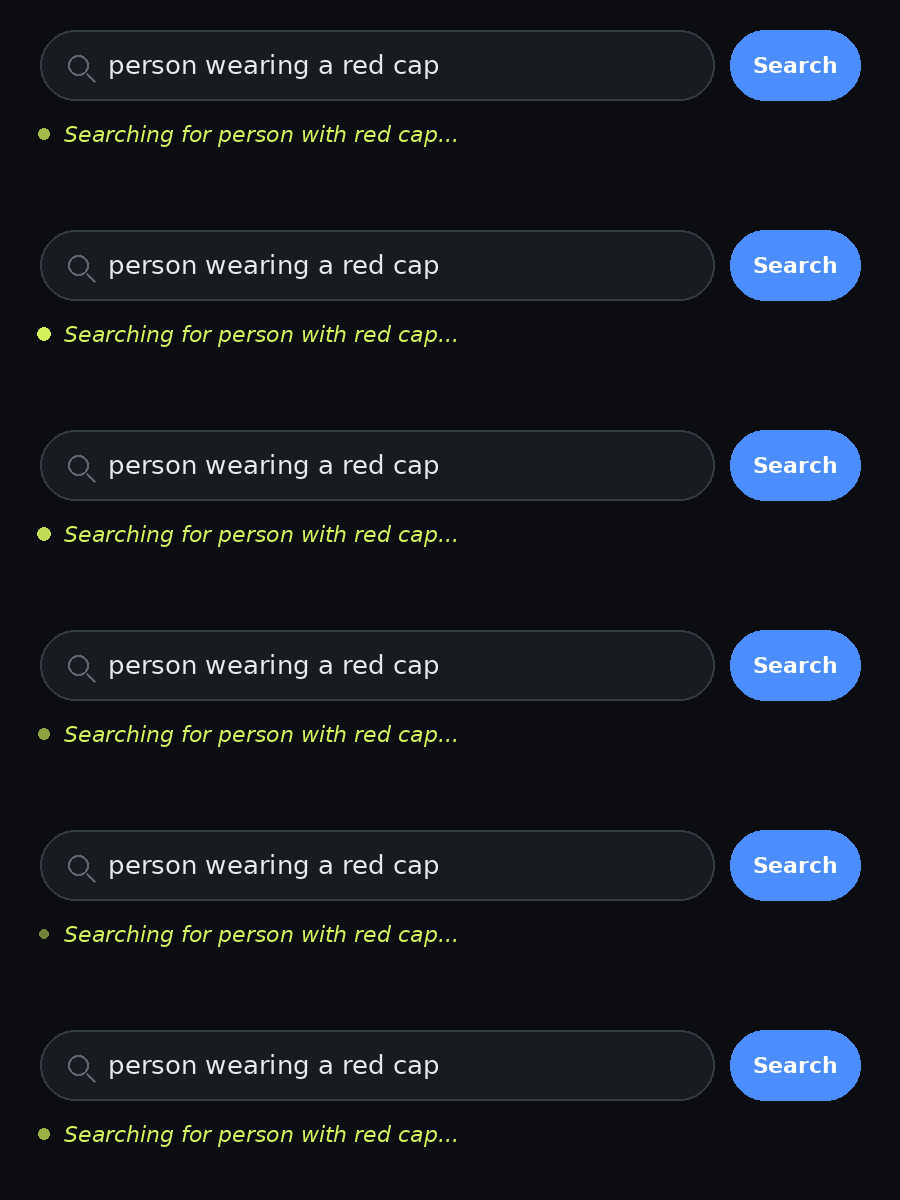
As the system processes a query, a status message shows the operator how the system is searching it. If the query names something attached to a person, like "person with a red cap," it mirrors that directly: "Searching for person with red cap...". If the query names something merely nearby, like "person watching television," it says so plainly: "Searching for person near television..."
How it helps:
The operator can see whether the AI is looking for the object on the person or just nearby, so they know what kind of results to expect.
What is happening:
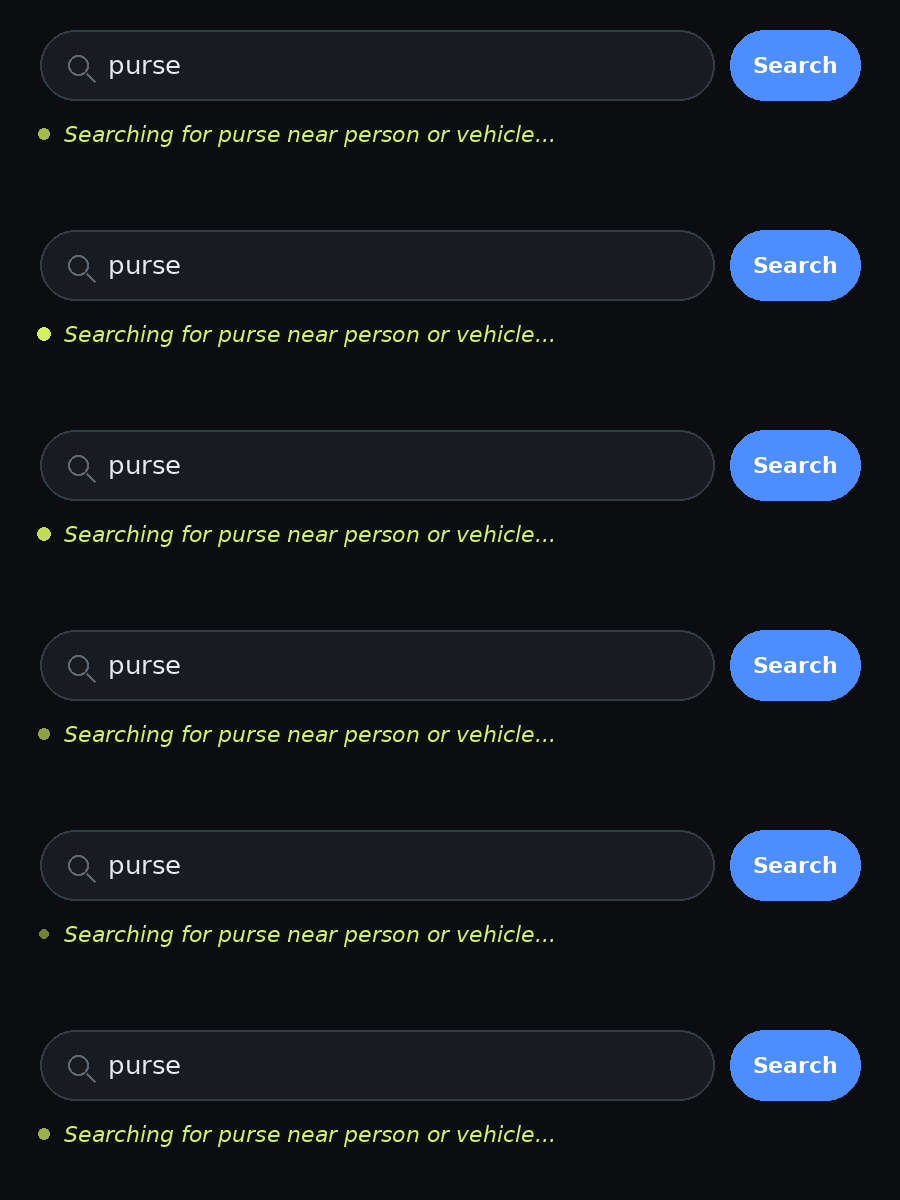
When a search has no person or vehicle at all (e.g., "grapes"), the system discloses that it added the anchor on its own: "Searching for grapes near person or vehicle..."
How it helps:
Makes clear the system cannot search for an object by itself. It always needs a person or vehicle to attach it to, even when the user did not mention one.
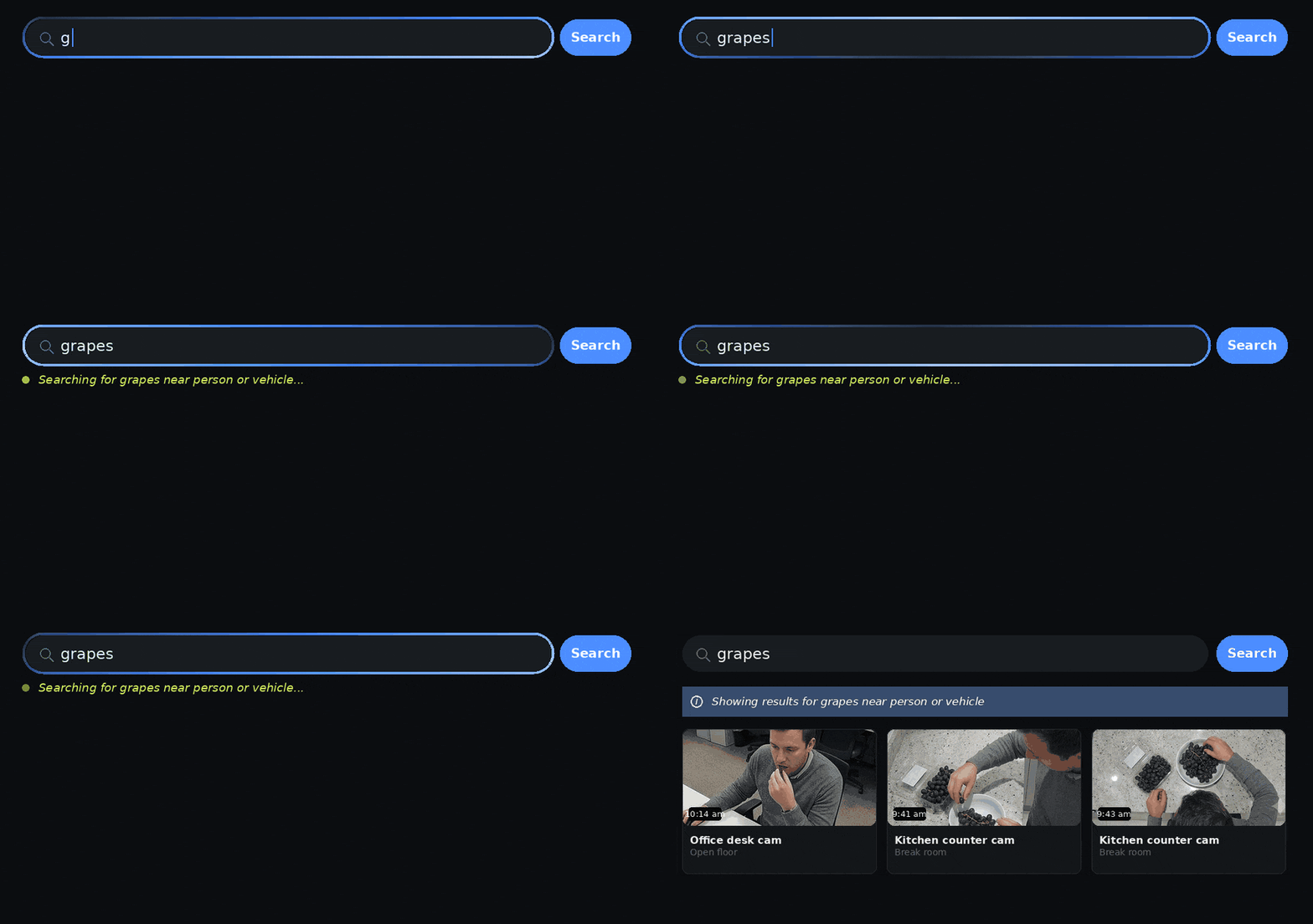
This prototype only works for a few preset searches. Try the ones below and watch how the status message changes depending on different queries being searched.